[3DSMax] Several animations with one mesh problem
Posted: Thu Sep 15, 2005 2:40 pm
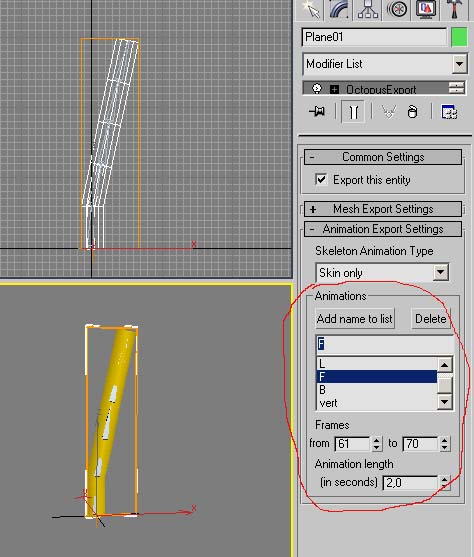
I have problems trying to make several animations with one mesh.
I read this article :
http://www.ogre3d.org/wiki/index.php/MultiBIPSkeleton
I and I have a question. Can I include several animation to one mesh without biped?
Also I had problems exporting several biped animations with octopus. Actually I had this error:
--Unknown property:"mod" in exportOptions firstFrame: 1 lastFrame:10 length:1.0 animName: "none" scale:1.0 flipYZ:true flipNormal:false exportColours:false exportUV:true
in this line of script:
in function
What does that mean?
Any suggestions?
I read this article :
http://www.ogre3d.org/wiki/index.php/MultiBIPSkeleton
I and I have a question. Can I include several animation to one mesh without biped?
Also I had problems exporting several biped animations with octopus. Actually I had this error:
--Unknown property:"mod" in exportOptions firstFrame: 1 lastFrame:10 length:1.0 animName: "none" scale:1.0 flipYZ:true flipNormal:false exportColours:false exportUV:true
in this line of script:
Code: Select all
writeBipedAnim2 phy sk exportOptions.mod.afframes[anumber] mod.alframes[anumber] mod.artimes[anumber] exportOptions.scale exportOptions.flipYZ aname outFile ;Code: Select all
function writeBiped2 pmesh exportOptions mod out_name = Any suggestions?
 (A biped attached to a cube)
 [/img]