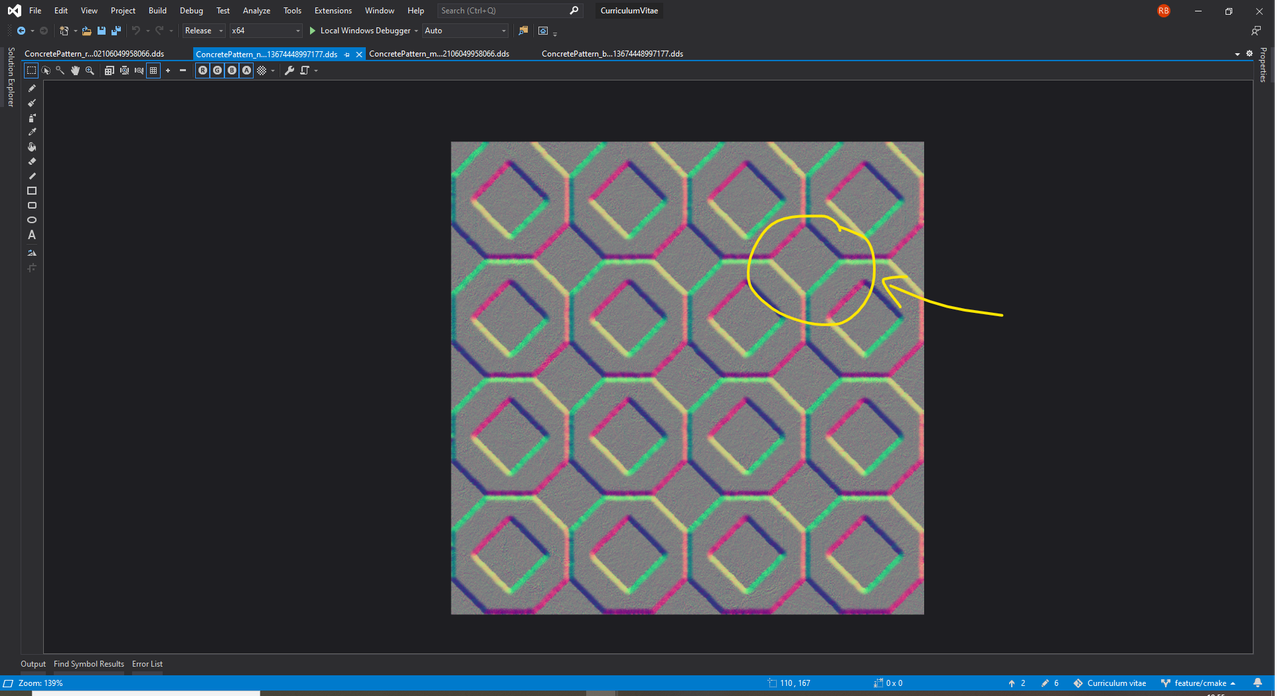
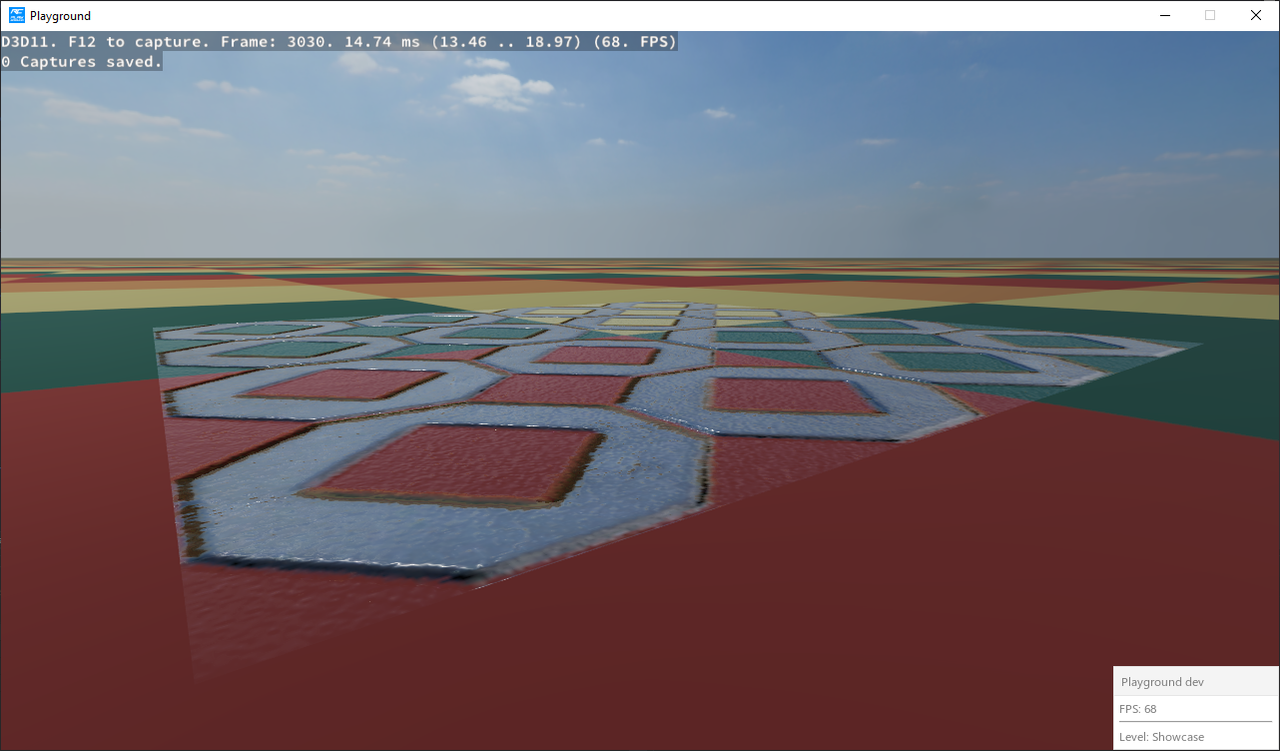
So, what once was so (RGB on the left, alpha on the right):
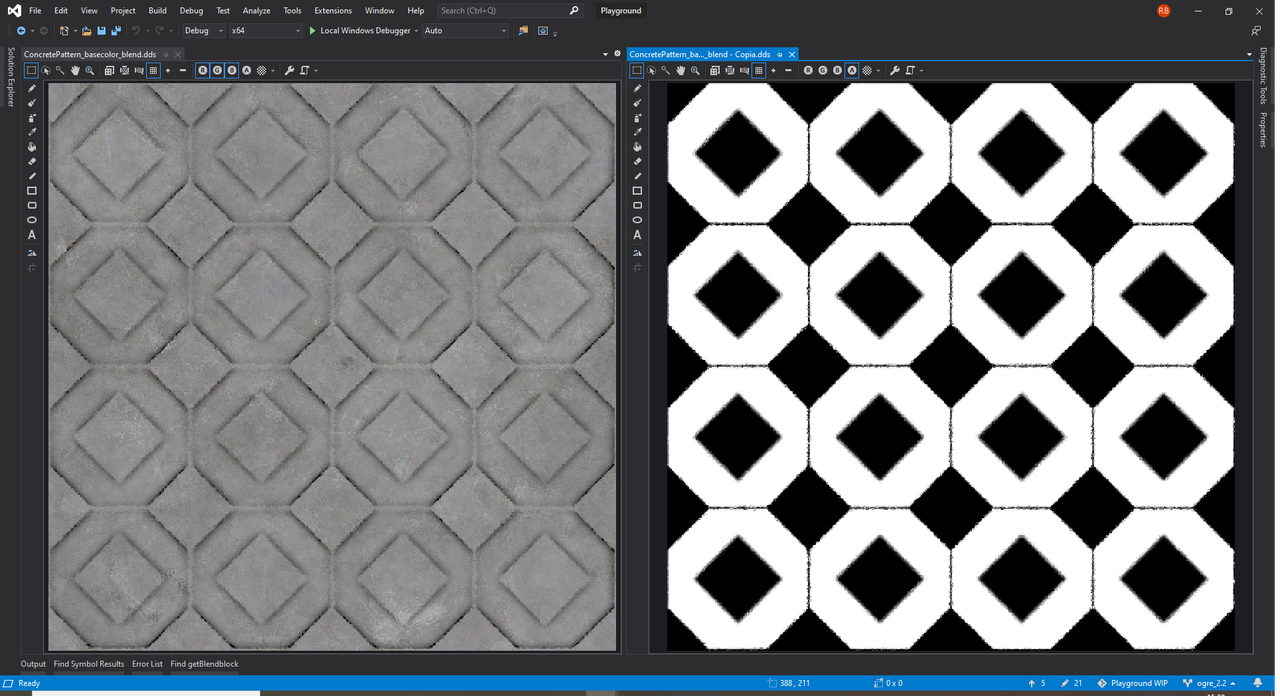
Has now become (black where alpha is equal to 0):

Once you moved from traditional alpha blending to premultiplied alpha, you also have to adapt the blend function. From this (SBF_SOURCE_ALPHA / SBF_ONE_MINUS_SOURCE_ALPHA):
Code: Select all
DestinationColor.rgb = (SourceColor.rgb * SourceColor.a) + (DestinationColor.rgb * (1 - SourceColor.a))
Code: Select all
DestinationColor.rgb = (SourceColor.rgb * One) + (DestinationColor.rgb * (1 - SourceColor.a));
Code: Select all
const auto blendblock = datablockPbs->getBlendblock();

auto blendblockTemplate = *blendblock;
blendblockTemplate.mSourceBlendFactor = SBF_ONE;
blendblockTemplate.mDestBlendFactor = SBF_ONE_MINUS_SOURCE_ALPHA;

if (*blendblock != blendblockTemplate)
{
	datablockPbs->setBlendblock(blendblockTemplate);
}
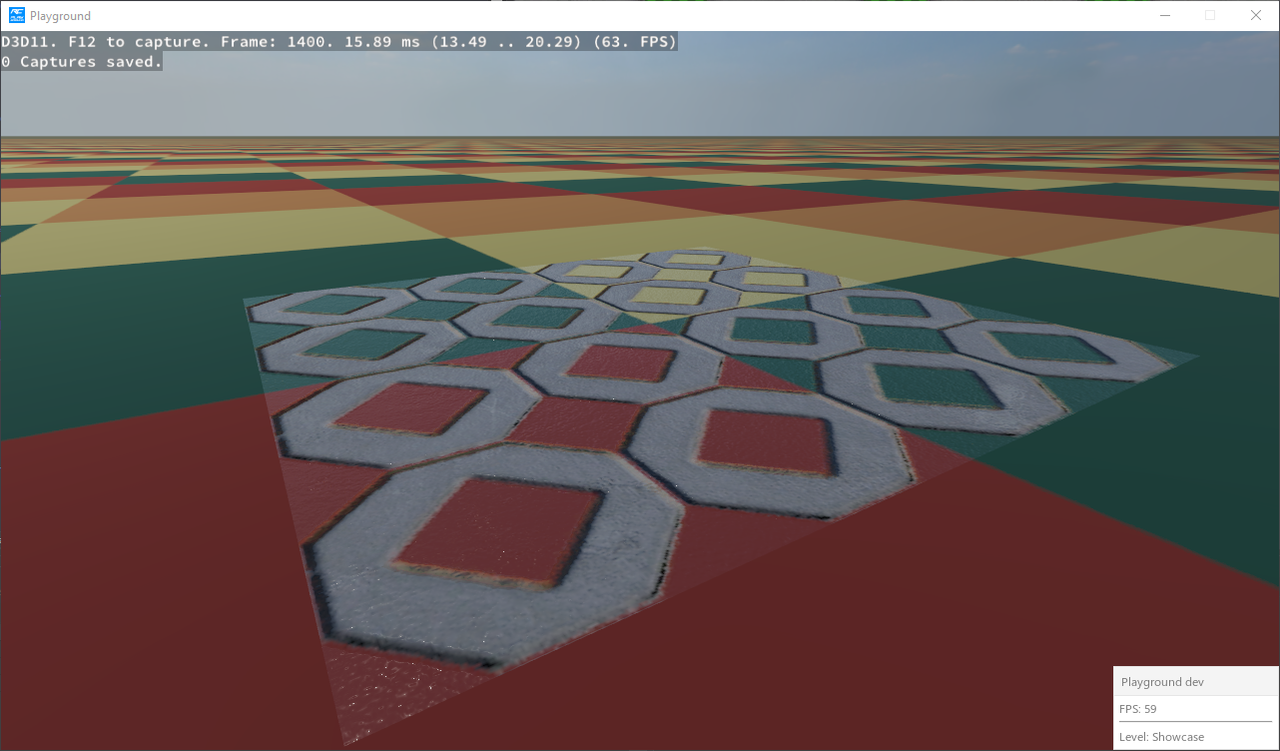
Am I doing something wrong? Could I be on error, but in a private chat with Matias I remember he told me to use SBF_SOURCE_ALPHA / SBF_ONE_MINUS_SOURCE_ALPHA blend function even for TransparencyModes::Fade mode when textures with premultipled alpha are in play.